![PPFlogo.png]](https://6496795.hs-sites.com/hs-fs/hubfs/2021-LandingPages/PPFlogo.png?width=40&height=40&name=PPFlogo.png)
Create Gmail signature:
1. Open your gmail account and select the settings gear on the top right corner. See all settings.
2. Scroll down to signature and create new. Title the new signature to your preference.
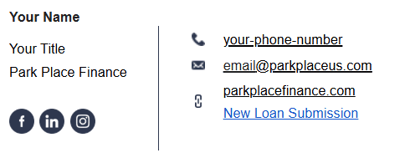
3. Copy and paste this template. Customize to you.
4. Set signature defaults to:
For new email use: the new signature created
On reply/ forward use: the new signature created
5. Save Changes
Integrate Gmail with HubSpot
1. Download extension: https://chromewebstore.google.com/detail/hubspot-sales/oiiaigjnkhngdbnoookogelabohpglmd?hl=en
2. There will be an automatic pop up or open your gmail. Select "Start using in Gmail" and connect with all features. Agree to terms and conditions.
Once completed, all emails with be recorded with contact profiles in HubSpot. There are tools that will have access to as well. Such as templates, schedule meets, and create tasks.