![PPFlogo.png]](https://6496795.hs-sites.com/hs-fs/hubfs/2021-LandingPages/PPFlogo.png?width=40&height=40&name=PPFlogo.png)
Here is a step-by-step to integrate your RingCentral dialer with HubSpot.
1. Download Extension: https://chromewebstore.google.com/detail/ringcentral-for-google/fddhonoimfhgiopglkiokmofecgdiedb
2. Sign into your HubSpot account. Click the phone icon on the top right banner.
3. Select the drop down arrow from "HubSpot" to "RingCentral".
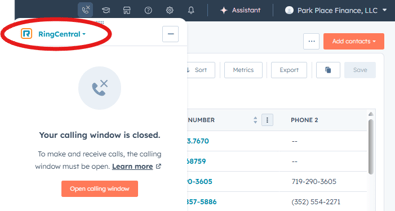
4. Open the calling window, which will open the dial extension. Sign into your account.
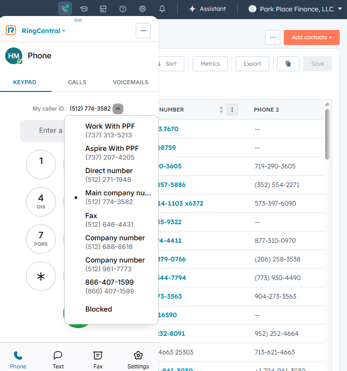
5. Select the caller ID as your assigned phone number.
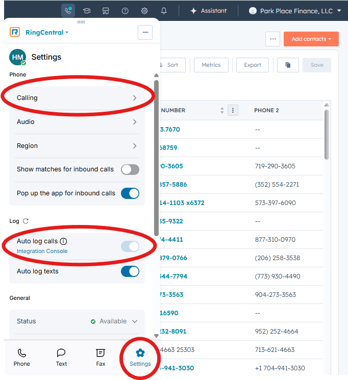
6. Under Settings, update the following preferences:
- Auto log calls: switch on
- Calling: make my calls with <your preference> browser